




Ivybet App
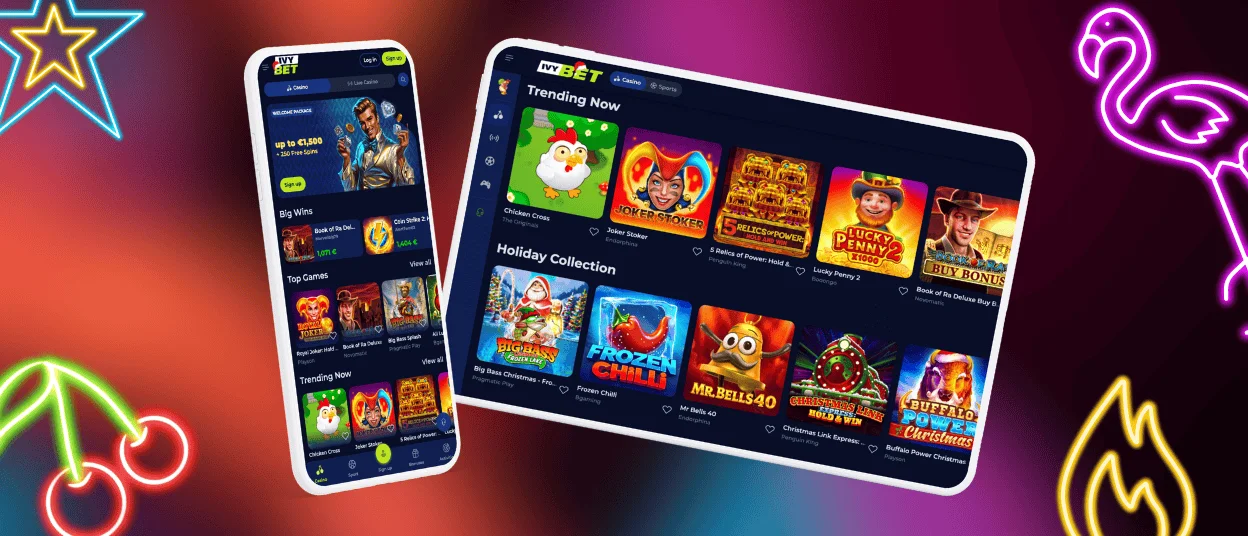
If you’re a mobile gamer, then the Ivybet App will certainly suit you. With it, our customers have the possibility to play anywhere on the go. This software is the ideal choice for members who enjoy online slots and instant win releases while away from home. You can play at the mobile casino on iOS and Android. It installs quickly and works just like any other app.



What the Ivybet App Is
The Ivybet app is a convenient way to play on the go. This is a program developed by our team to facilitate the use of the casino on mobile devices. The application is a PWA (Progressive Web App), which means that it downloads quickly and safely.
The software is lightweight; it doesn’t take up much space on your device, no matter the operating system, and works like a standard application from your home screen.
The software is user-friendly and convenient. It offers smooth performance and loads games rapidly, which is particularly important when playing instant win games.
Also, using this Ivy Bet Casino application, you can receive regular notifications about ongoing promotions and new games, a very convenient option to always stay updated.
Benefits and Features
Using the Ivybet app, customers can benefit from numerous features. First and foremost, our clients can play their favorite games anywhere. No need to worry about always being at your desk; now you can play on the go while traveling or spending time outside.
Also, you can access your account and manage your gaming experience the same way you do on desktop, including the use of bonuses. Basically, with the Ivybet application, you have the whole functionality of the casino right in your pocket.
Another important feature is speed; it loads games very quickly. This benefit is particularly appreciated by slot and instant-win game players. Speed matters in games, and our customers value it.
Compared to a PC experience, playing at Ivy Bet on mobile is definitely more flexible. It is better suited for a dynamic approach in gaming. Some games work better on iOS and Android devices because they are made for small screens and mobile gaming. This might be the best choice for you if you like to play when you’re not at home.
Mobile Application for iOS
The Ivybet app on iOS is very convenient. This app was made and changed just for the small screens on the iPhone and iPad. You don’t have to go to the App Store to find the program. You can download it through your Safari browser, which is a safe way to get it without downloading fraudulent applications. To get the software, follow these simple instructions:
- Open the Ivybet Casino site in Safari.
- Tap the “Share” button at the bottom of your screen.
- Scroll to the bottom and press “Add to home screen.”
- Finalize by validating the name of the app.
After that, the software will appear on your home screen. To start playing, you will just need to tap the icon of the casino and enter your personal information in the login tab.

Ivybet App for Android
The Android version of the Ivybet application is also very convenient. It was optimized for this operating system to provide a smooth experience on most modern devices. With this app, you can access all your preferred games at the casino and manage your profile. You will be able to profit from all the site’s features, the same features you are used to on a desktop.
Step-by-Step Android App Installation
Installing the application on Android is easy and fast. There’s no need to go through the Google Play Store or look for suspicious APK files online. Since the app is a PWA, it is very easy to get it right via our official site. Here’s how to operate:
- Open your preferred browser on mobile.
- Navigate to the Ivy Bet Casino official site.
- Tap on the browser menu.
- Select the “Add to home screen” option.
- Finalize by confirming the installation.
Ivy Bet Casino on Mac or Windows
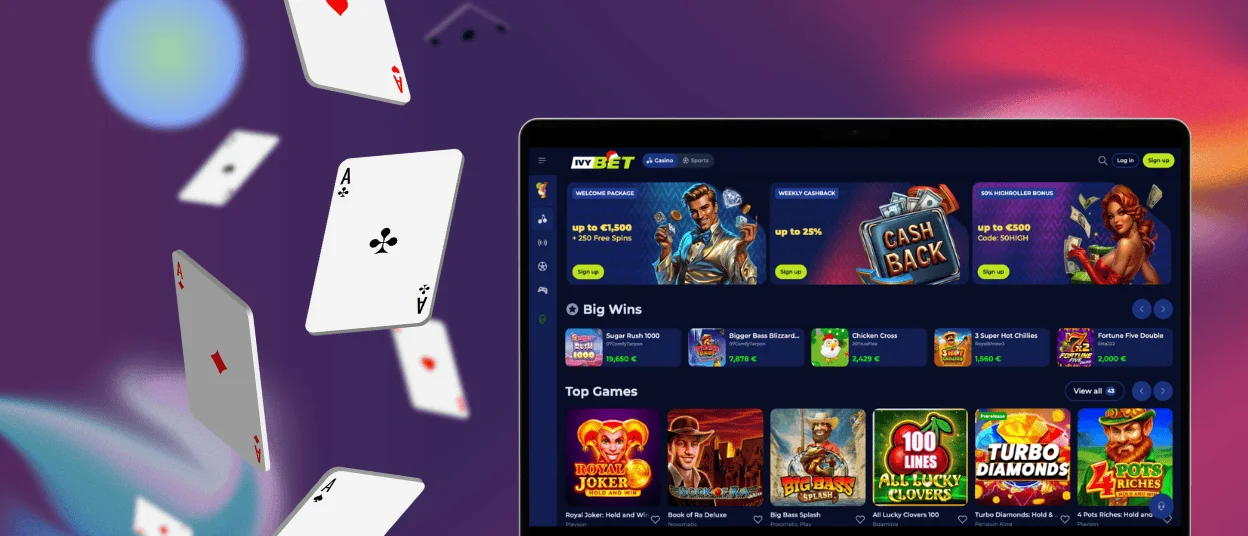
The Ivybet software is available not only on iOS and Android but also on desktop. This program facilitates access to the site even if you’re using your PC. You can get it on macOS or Windows right from the official site.
This version of the Ivybet Casino software is optimized for large screens and offers a smooth performance for desktop users. No need to use your browser anymore; from now on, your favorite casino can be available right from your desktop. It offers the same functionality as the mobile app: complete access to the game lobby, bonuses, tournaments, and more.
Security and Safety Features of the App
At Ivy Bet we stand for security. The mobile app was designed with the same security features as the desktop version. We use modern security tools to protect our users’ data and the application as a whole. TLS encryption ensures that all information is kept safe. Encryption at Ivybet Casino helps prevent hacker attacks, and the KYC verification process allows us to identify all casino members.
Best Setup for Smooth Play
For a smooth casino mobile experience with Ivybet Casino, it is better to use a dependable internet connection. Also, we recommend updating your operating system. It is also important to verify that you have cleared your cache and have enough space on your device. Modern devices perform best with updated devices. Here are some other options to take into consideration:
| Requirement | Recommendation |
| Internet connection | Stable 4G or Wi-Fi network. |
| Operating system | Updated iOS or Android version. |
| Battery | 20% or higher for better performance. |
| Free storage | At least 1 GB of available space. |
FAQ
Can I switch from my phone to my computer without losing my progress?
Yes, absolutely. The Ivybet software supports cross-device compatibility. This means that you can stay logged in on numerous devices and won’t lose your performance.
Do I need a different password for the Ivybet app?
No, there’s no need for that. When you log into your Ivybet account on mobile, you use the same login as on desktop. There’s no need to update your password or create a new account.
If I delete the app shortcut, how do I reinstall it?
You can reinstall the Ivybet Casino application the same way you did for the first time. You will simply need to log into your account again. If you have any problems with that, contact the support team via live chat.


